
The Review Friction Audit: How Many Steps Does It Take Your Customer to Leave You a Google Review?
Every extra step between a happy customer and your Google review page creates another chance to stop. Run this simple friction audit and make the path easier.
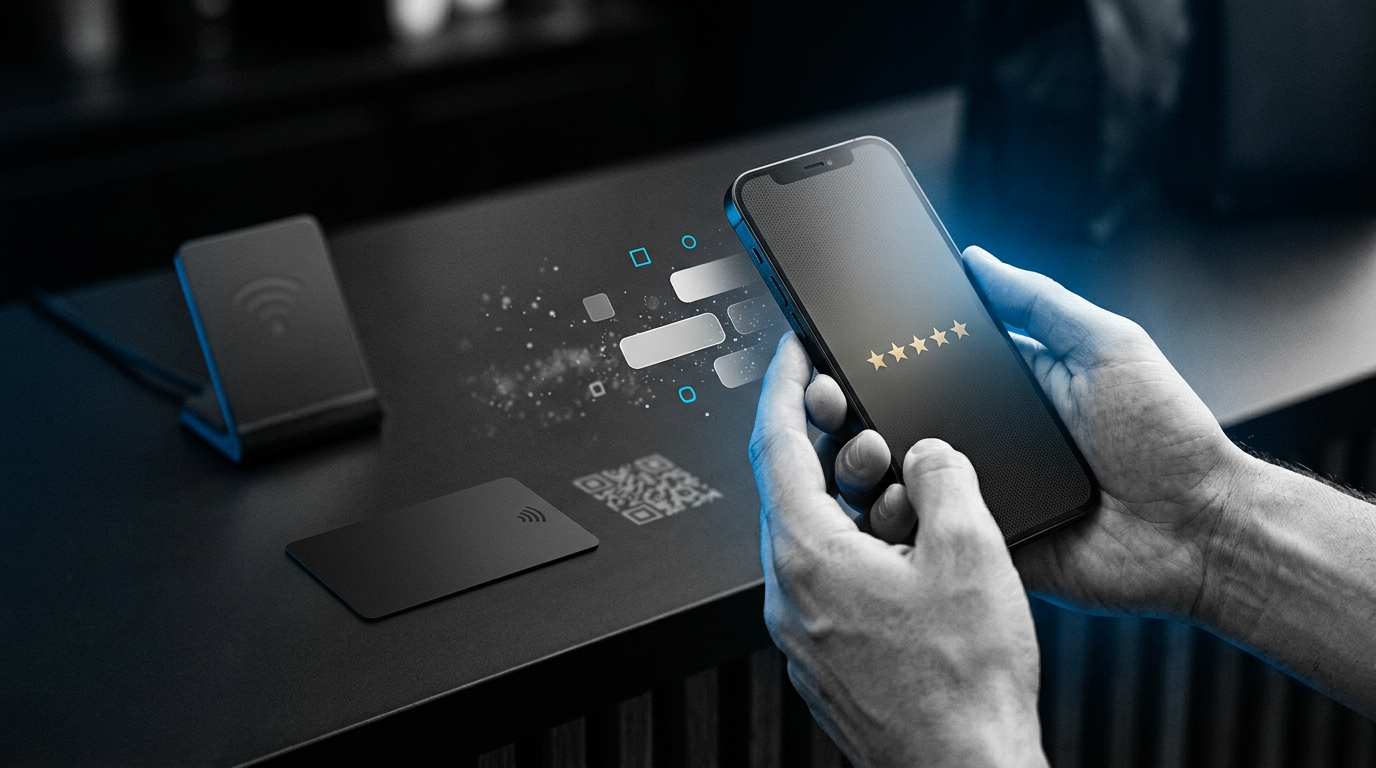
Most businesses think about review collection like this:
That is a useful question.
But it is not the whole question.
A business can ask for reviews every day and still make the customer work too hard to leave one.
The better question is:
That is what this audit measures.
Not how much customers like you.
Not whether your service deserves five stars.
Not how persuasive your employee is.
Just friction.
What Is Review Friction?
Review friction is anything that makes a willing customer do more work than necessary before reaching your review page.
That might include:
- remembering the request later
- searching for your business name
- choosing the correct location
- opening your Business Profile
- finding the review section
- scanning a poorly placed QR code
- figuring out where to Tap an NFC product
- typing a long web address
- waiting for someone to text them the link
None of these steps is impossible.
That is not the point.
The point is that each one creates another place for the process to stop.
Start With the Customer Who Already Wants to Review You
This audit is not about manipulating someone into leaving a review.
Imagine the easiest possible customer.
They are happy.
They genuinely want to leave feedback.
They already told you:
Now ask:
That is the customer your review system should serve well.
If even that person has to jump through six different steps, the process deserves attention.
Run the 60-Second Review Friction Audit
Pretend you are the customer.
Do not use shortcuts that only the business owner knows.
Start exactly where the customer starts.
Then count every meaningful action required before they reach the Google review screen.
For example:
- Take out phone.
- Open Google.
- Search business name.
- Find correct business.
- Open Business Profile.
- Find reviews.
- Find the option to write a review.
That is a lot of interaction for someone who just said they would help you.
Now compare that with a direct review link.
- Open link.
- Continue to review.
Or an in-person NFC interaction:
- Tap the review Card or Stand.
- Open the link that appears.
- Continue to review.
The exact number of screens can vary by phone, account state, and Google's interface.
The principle does not.
Fewer unnecessary steps usually means a simpler customer experience.
Count Actions, Not Seconds
Do not get obsessed with timing this down to the exact second.
That would miss the point.
Instead, count decisions and actions.
Ask whether the customer has to:
- remember something
- search for something
- type something
- choose between listings
- navigate through menus
- wait for another message
- understand an unclear instruction
Those are friction points.
A ten-second step can create more friction than a thirty-second step if the customer does not know what to do next.
Audit #1: The “Just Search Us on Google” Process
This is probably the most common review process.
The employee says:
It sounds easy because the employee already knows exactly what to search.
The customer may need to:
- remember the business name later
- open Google
- type the business name
- distinguish it from similar businesses
- make sure they found the correct location
- open the profile
- find the review area
- start the review
Again, none of this is difficult.
But almost all of it is unnecessary.
If you already know exactly which Business Profile you want them to review, why make the customer find it again?
Audit #2: The Direct Review Link
Google provides businesses with a direct review link that can be shared with customers.
Now the process becomes much shorter.
A customer receives the link.
They open it.
They continue to the review experience.
Once you have the correct destination, the rest of your review setup becomes much easier.
Audit #3: A QR Code at the Counter
A QR code removes the need to search for the business.
The typical interaction becomes:
- take out phone
- open camera
- point camera at QR code
- wait for the link
- Tap the link
- continue to review
That can work extremely well.
Especially if the QR code is:
- large enough
- easy to see
- well lit
- positioned where customers naturally stop
But a QR code can create its own friction if it is:
- too small
- printed on a reflective surface
- across the room
- partially blocked
- surrounded by visual clutter
- placed somewhere customers never look
The technology is only part of the experience.
Placement matters too.
Audit #4: An NFC Review Card
Now imagine a contractor, cleaner, landscaper, mobile detailer, or technician.
There is no checkout counter.
The customer is standing next to the employee after the work is finished.
The employee has an NFC Google Review Card in a wallet or pocket.
The interaction can be:
- customer takes out phone
- customer Taps the Card
- customer follows the link
- customer continues to the review
No business search.
No typing the company name.
No locating the correct Business Profile.
That is why portable NFC makes sense for businesses where the review moment moves around.
Audit #5: An NFC Review Stand
A fixed-location business has a different opportunity.
The customer repeatedly passes the same place:
- checkout
- front desk
- reception
- service counter
- register
An NFC Google Review Stand can remain there.
The customer can:
- take out phone
- Tap the Stand
- follow the link
- continue to review
The Stand does not need to be retrieved by an employee.
It is already part of the customer environment.
NFC Is Not Automatically Friction-Free
This is important.
A bad NFC setup can create friction too.
If the customer does not know where the NFC reader is on their phone, they may Tap the wrong area several times.
Then the interaction becomes:
That is not the experience you want.
The NFC reader is not located in exactly the same place on every phone.
If the Tap does not work immediately, the first thing to check is the phone's NFC reading area.
The ReviewZaps NFC Tap Spot Finder helps identify where to Tap on supported phone models.
The technology should remove steps.
Not replace one confusing step with another.
The Best Review Process Is the One That Fits the Situation
There is no single lowest-friction method for every business.
A QR code printed on a receipt may be perfect.
An NFC Stand may be better at a reception desk.
An NFC Card may be better in a customer's driveway.
A direct text link may be better after an online service.
The right question is:
Not:
Use This Simple Friction Score
You do not need complicated analytics.
Give your current process one point for every unnecessary step.
| Customer Action | Necessary? | Friction Point? |
|---|---|---|
| Take out phone | Yes | No |
| Remember business name later | No | Yes |
| Search business on Google | No | Yes |
| Pick correct listing | No | Yes |
| Find review section | No | Yes |
| Open direct review destination | Yes | No |
| Decide whether to leave feedback | Yes | No |
Swipe sideways to see the full table.
The exact score is less important than the exercise.
You are looking for steps that exist only because the process was never simplified.
Some Steps Should Never Be Removed
Do not misunderstand friction reduction.
The goal is not to eliminate customer choice.
A legitimate review process still leaves the customer in control.
They should decide:
- whether to review
- what rating to leave
- what to write
- whether to stop
Those are not friction problems.
Those are essential parts of an honest review.
The unnecessary friction happens before the customer gets a fair chance to make those decisions.
Do Not Confuse Convenience With Pressure
You can make the review page easy to reach without making the customer feel trapped.
Bad:
Better:
Then move on.
The purpose of a direct link, QR code, Card, or Stand is to make the path available.
Not to force the customer down it.
The Biggest Friction Point May Be “Later”
Sometimes the problem is not technology at all.
It is delay.
The customer says:
That creates an entirely new step:
When an appropriate review moment is already happening, making the review path available right then can eliminate the memory problem entirely.
Friction Audit for a Mobile Business
Imagine a plumber finishing a service call.
High-Friction Version
Employee says:
Customer must:
- remember later
- remember exact business name
- search Google
- choose correct profile
- find review section
- start review
Lower-Friction Version
Employee says:
Customer:
- takes out phone
- Taps Card
- opens link
- continues to review
That is why the NFC Google Review Card fits mobile service businesses so well.
Friction Audit for a Front Desk
Imagine an auto repair shop.
The customer is paying at the service counter.
Higher-Friction Version
A small sign says:
No link.
No QR code.
No instructions.
The customer has to figure out the rest.
Lower-Friction Version
An NFC Google Review Stand sits next to the checkout area.
The customer can Tap if they want to leave feedback.
The review destination is already programmed into the Stand.
Friction Audit for Email Follow-Up
Imagine a customer receives:
But there is no link.
That message creates work.
Now compare it with:
followed by the direct link.
Small difference.
Much clearer next step.
Friction Audit for Printed Materials
Suppose you want to ask through:
- receipts
- postcards
- flyers
- packaging
- brochures
A QR code usually makes more sense than expecting someone to type a web address.
There is no reason to force NFC into a printed-material use case where QR is simpler.
Friction Audit for Multiple Employees
Now consider a business with five field technicians.
The owner has one review Stand at the office.
Technically, the business has a review tool.
Practically, it is nowhere near four of the five customer interactions happening that day.
That is a placement problem.
If the review moment travels with employees, the review tool needs to travel too.
That might mean giving each field employee an NFC Card.
If every customer instead passes one reception counter, a shared Stand may make more sense.
Find the Step Customers Keep Getting Stuck On
You do not need to rebuild everything at once.
Listen for repeated friction.
Customers may say:
That suggests the search step is a problem.
Or:
That suggests the QR code is unclear.
Or:
That may mean the NFC Tap position needs explanation.
Or:
That tells you exactly what would make the process easier.
Use customer behavior as feedback about the process.
Test the Review Journey Yourself
This takes two minutes.
Use a phone that is not already inside your daily business workflow.
Pretend you are a first-time customer.
Then try to reach the review page using whatever instructions you currently give customers.
Ask:
- Did I know what to do immediately?
- Did I have to search?
- Did I have to type anything?
- Could I accidentally choose the wrong location?
- Was the QR code easy to scan?
- Was the NFC Tap area obvious?
- Did I reach the correct business?
- Was any step unnecessary?
Write down every point where you hesitate.
That hesitation is what you should investigate.
Do Not Optimize for the Business Owner
This mistake is easy to make.
You know:
- the exact business name
- the correct profile
- where the review link is
- how your NFC product works
- where the QR code is
- which location the customer should choose
The customer may know none of that.
Your process should work for them.
Not just for you.
Build the Shortest Reasonable Path
Once you finish the audit, remove what does not need to be there.
Maybe that means:
- Search → direct link
- long URL → QR code
- “I'll text you later” → Tap now
- one Stand at the office → Cards for field employees
- tiny hidden QR code → visible placement
The answer depends on the business.
The objective is always the same:
Review Friction Audit Checklist
Before you finish, answer these:
- Do customers have to remember us later?
- Do they have to search our business name?
- Could they choose the wrong location?
- Do they have to navigate through our Business Profile?
- Is our direct review link correct?
- Is our QR code easy to see and scan?
- Is our NFC product positioned where customers actually interact with us?
- Do staff know how to explain the Tap in one sentence?
- Can customers easily find their NFC Tap spot if needed?
- Are we leaving the decision to review completely up to the customer?
Every unnecessary “yes” near the top of that list is an opportunity to simplify.
Which ReviewZaps Setup Removes the Right Friction?
Mobile or Field-Based Business
Use an NFC Google Review Card when the review interaction travels with:
- technicians
- contractors
- cleaners
- landscapers
- mobile detailers
- salespeople
- field employees
Fixed Customer Location
Use an NFC Google Review Stand when customers repeatedly stop at:
- checkout
- reception
- front desk
- service counter
- register
Email, Text or Digital Follow-Up
Use the direct Google review link.
GENERATE MY GOOGLE REVIEW LINK
The Review Friction Audit: Final Answer
A customer should not need to become a detective to leave your business a Google review.
If they already want to share their experience, make the destination easy to reach.
Audit the process.
Count the steps.
Remove the steps that do not need to exist.
Use the method that fits the customer interaction:
- direct link for digital communication
- QR for printed material
- NFC Card for mobile interactions
- NFC Stand for fixed customer touchpoints
Then let the customer decide whether they want to leave feedback.


